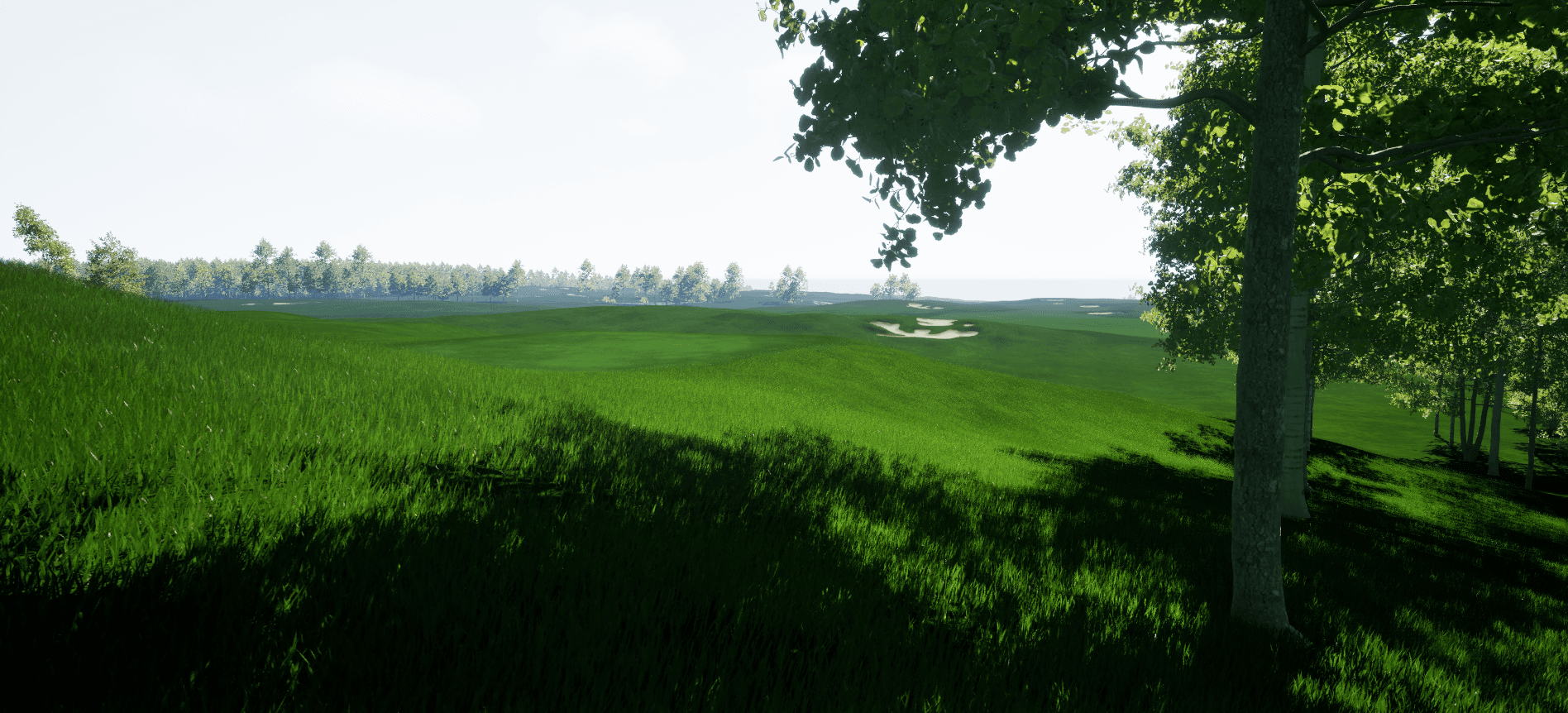
Faster Course Creation
Building a playable course from real-world data typically takes significantly less time than traditional methods.
Built for Golfers
The tools are designed to be approachable without game development experience. If you're comfortable navigating a map, you can work through the process.
Automatic Asset Placement
Trees, bunkers, water, and other features are placed automatically based on your course layout. You can adjust them manually if needed.
The Course Building Process
Here's an overview of how it works, from start to finish.
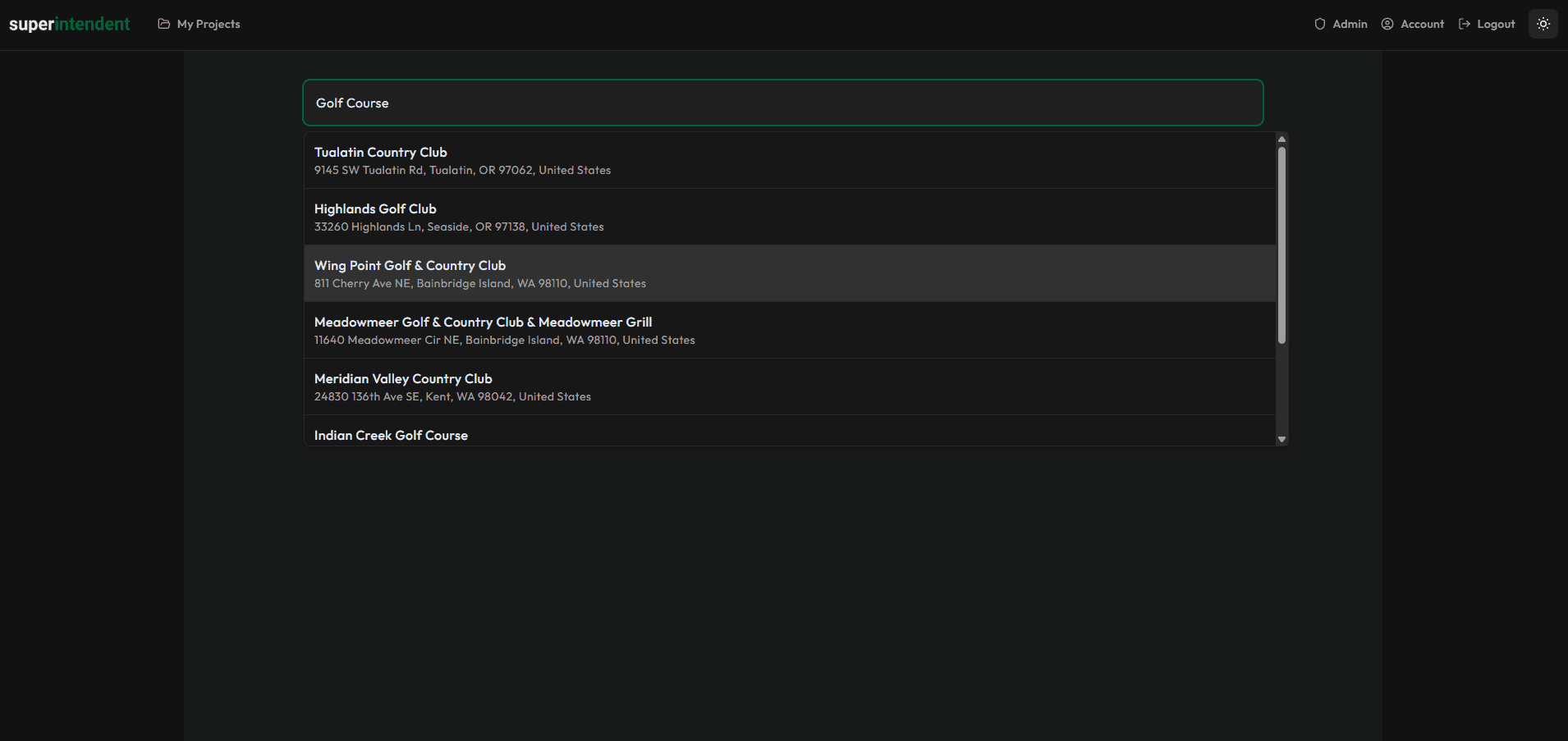
Search for a Golf Course
Search by course name or location. The system will locate the course and prepare it for processing.
For US-based courses, high-resolution LiDAR data is fetched automatically from the USGS 3DEP database. For international courses, you can upload your own LiDAR data. We're working to expand automatic coverage to additional regions.
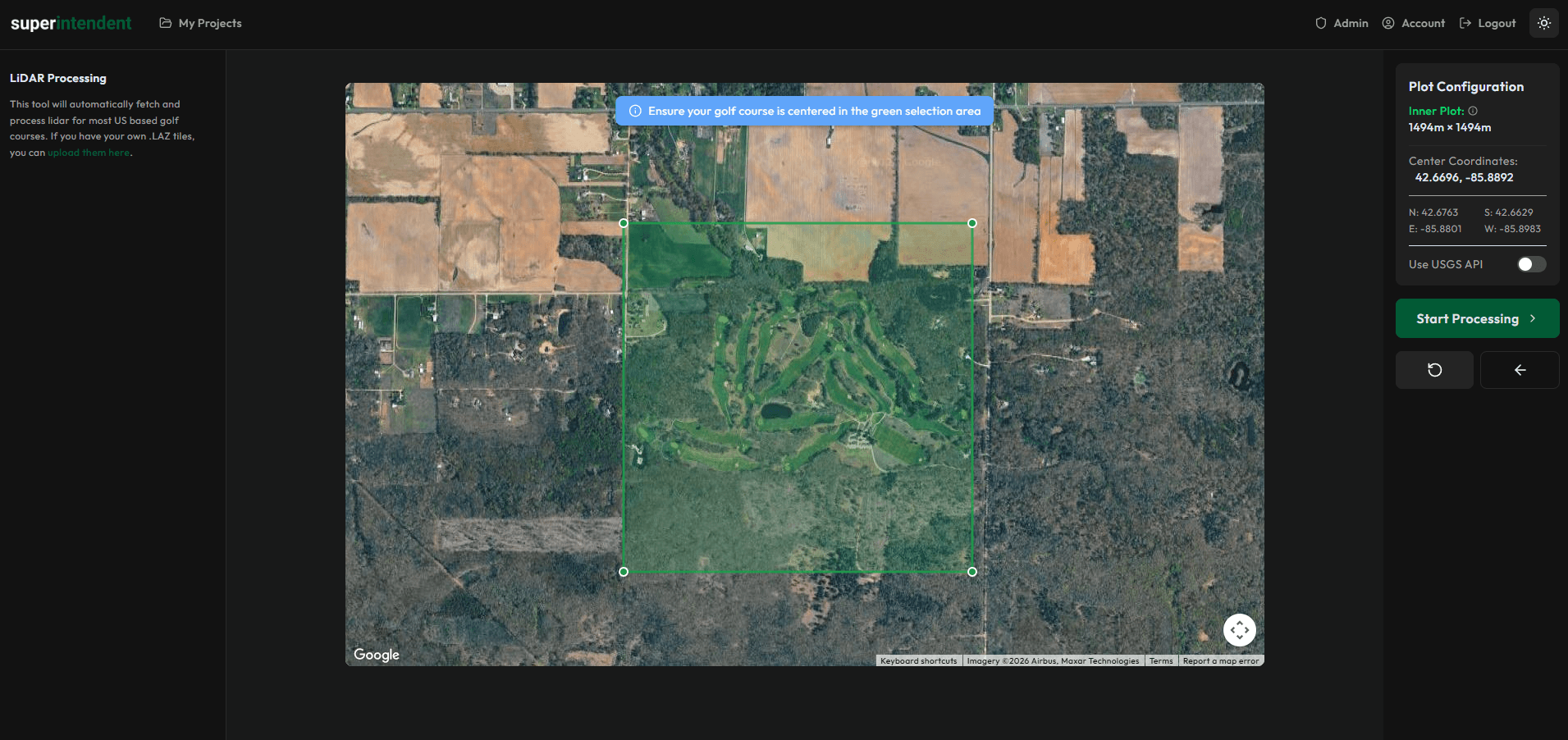
Define Your Course Area and Process LiDAR
Draw the boundaries of your course and the system will process the terrain data, converting elevation information into usable terrain geometry.
You can define inner and outer boundaries to include surrounding landscape. The pipeline handles the conversion from raw LiDAR point clouds to terrain meshes.
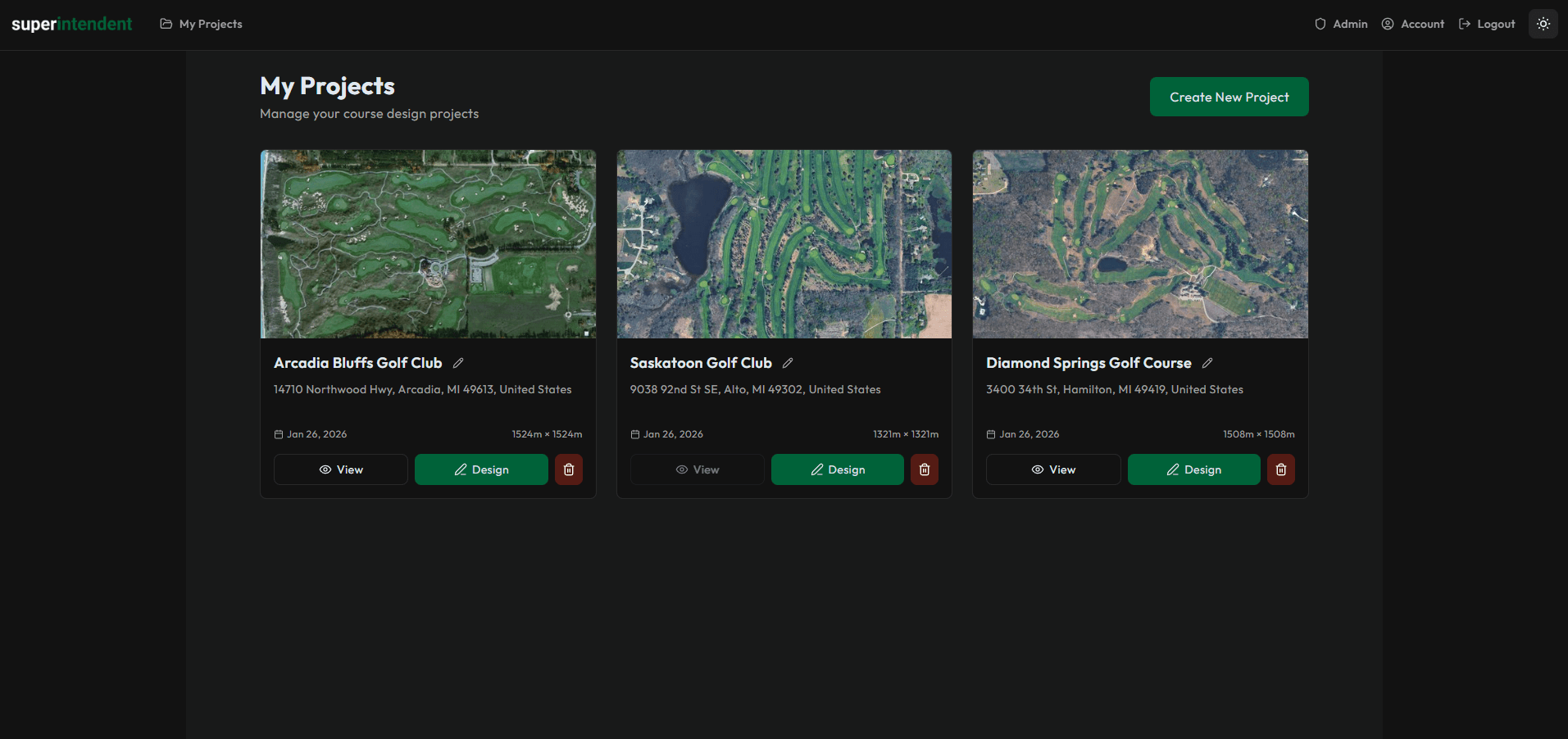
Manage Your Projects
All your course projects are stored in one place. You can track progress, return to previous work, and manage multiple courses at once.
Each project keeps its own settings, progress state, and export history.
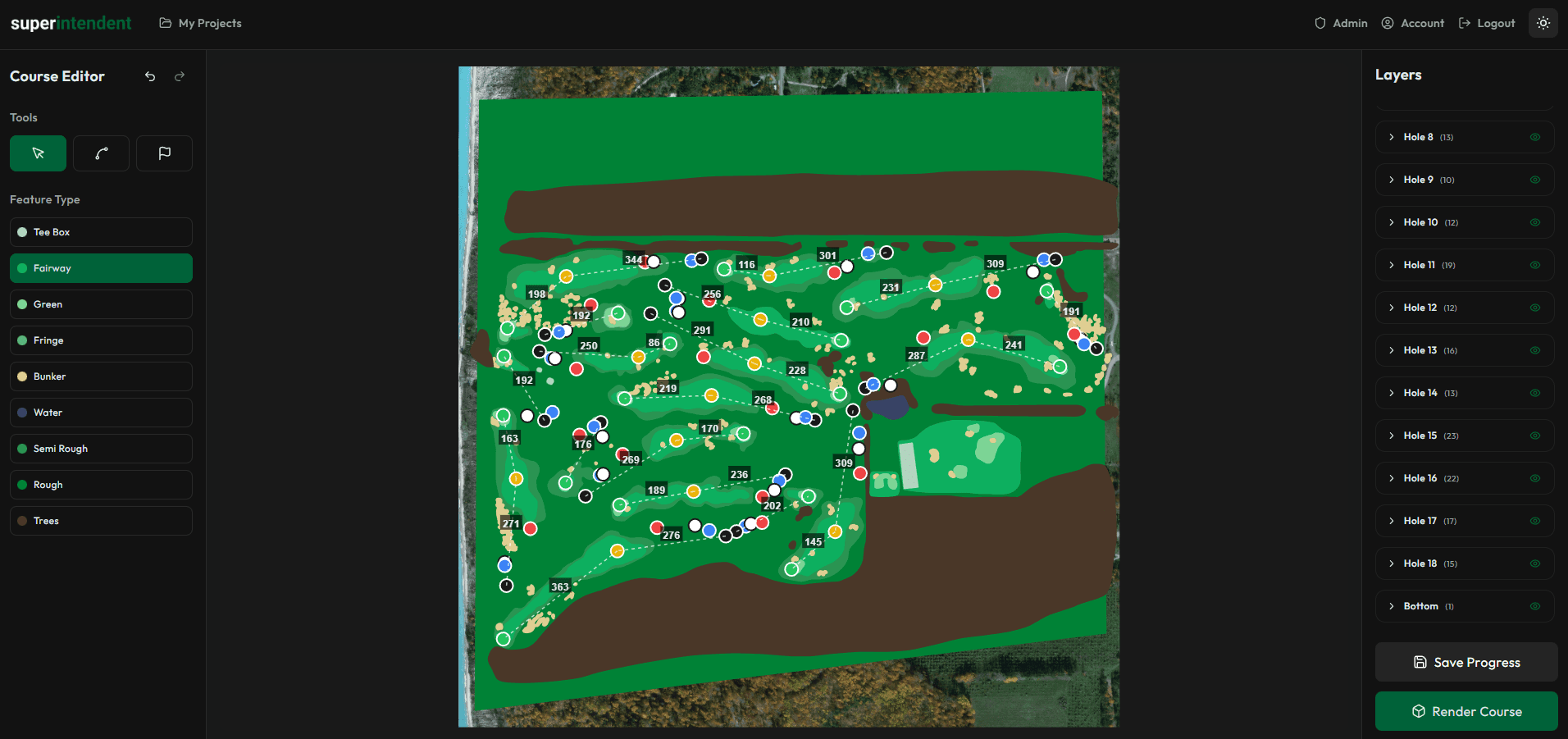
Spline-Based Course Layout
Use point-and-click spline tools to define fairways, roughs, greens, tee boxes, and other areas.
Holes are organized automatically. Snapping and alignment tools are available to help with precision. No CAD software experience is needed.
Terrain Sculpting
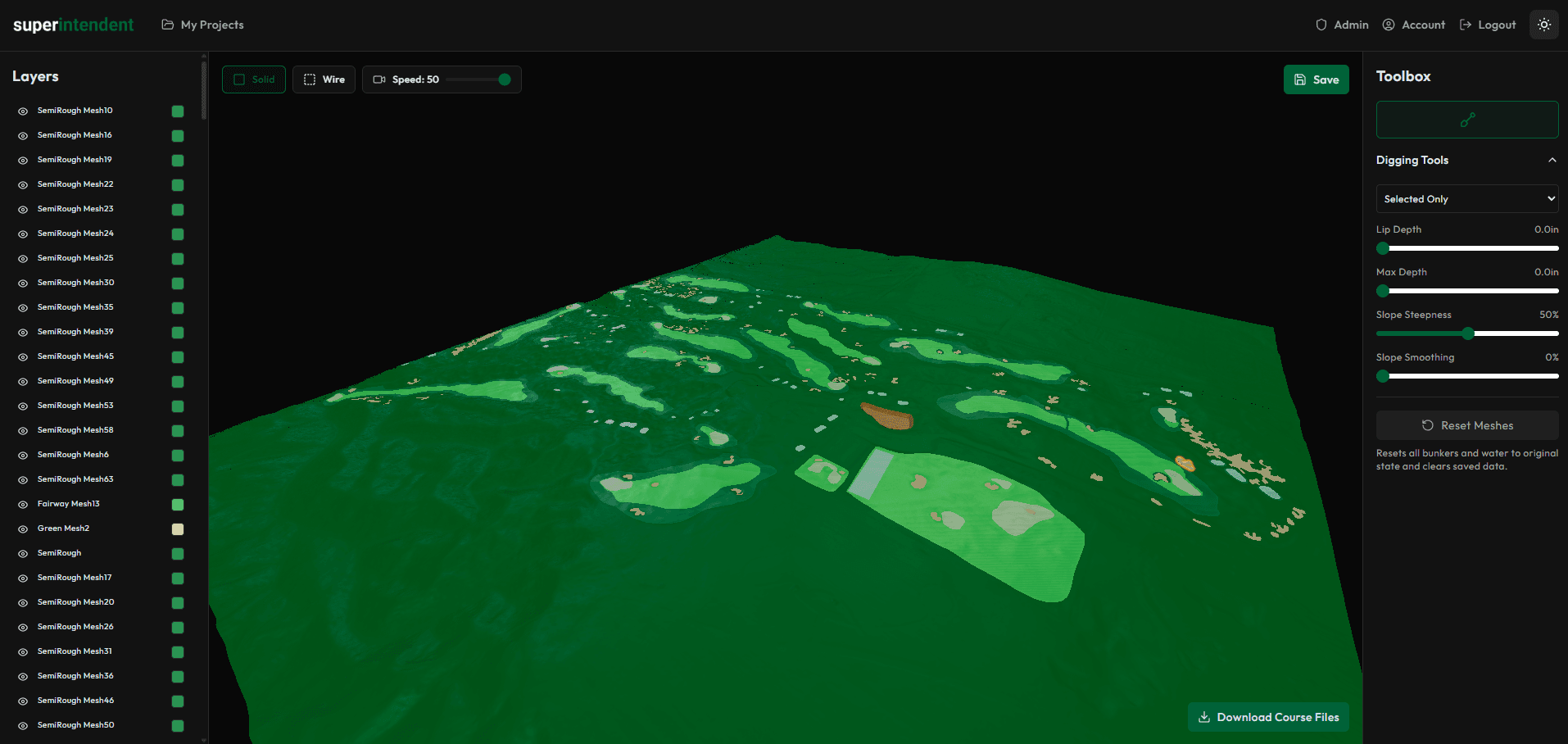
Refine your terrain in the render view. You can dig bunkers, shape water feature beds, and smooth out imperfections in the LiDAR data.
This step is optional but useful when the raw elevation data needs adjustment.
Download Your Files
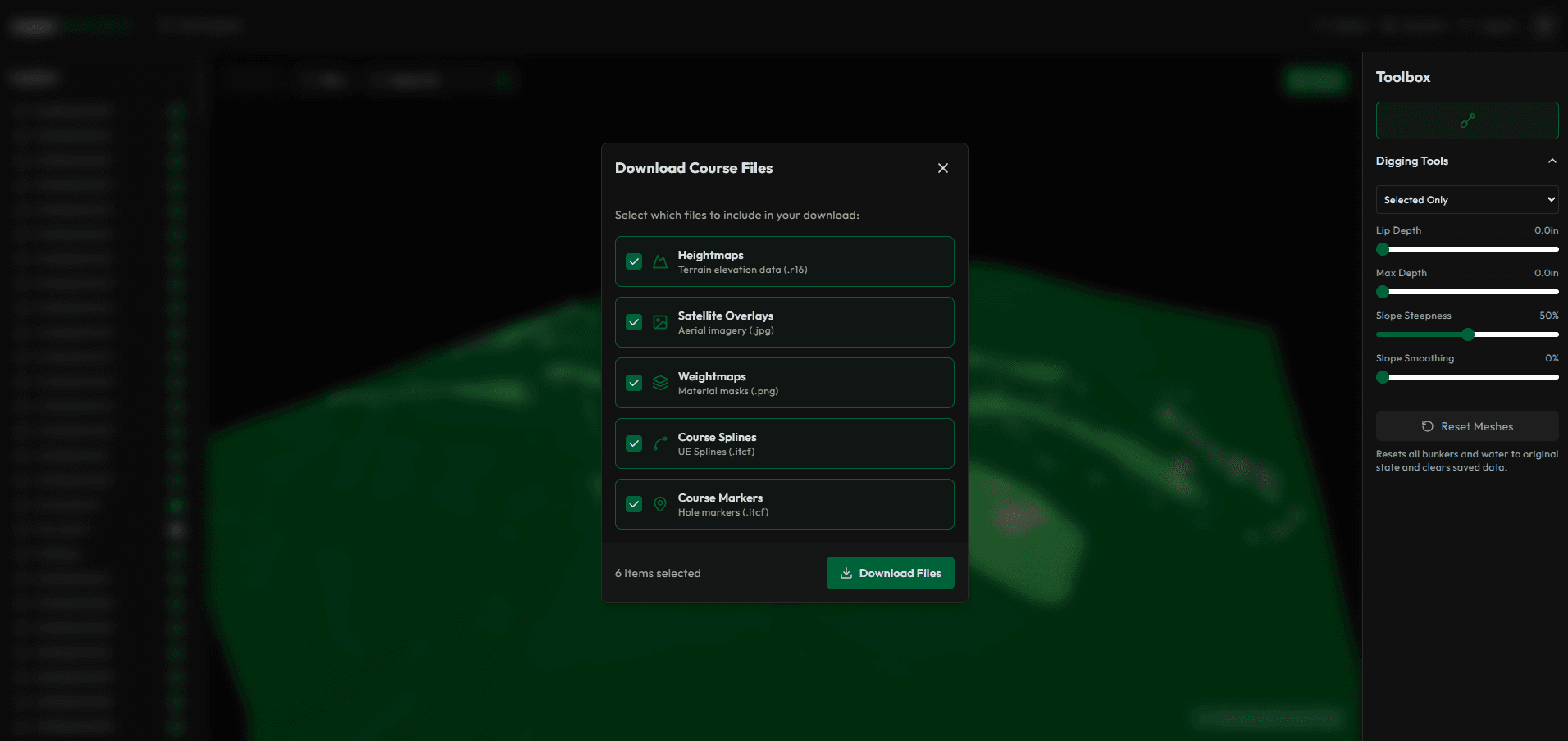
Export your course data as a package formatted for Unreal Engine. This includes terrain heightmaps, spline data, marker positions, and course metadata.
Import into Unreal Engine
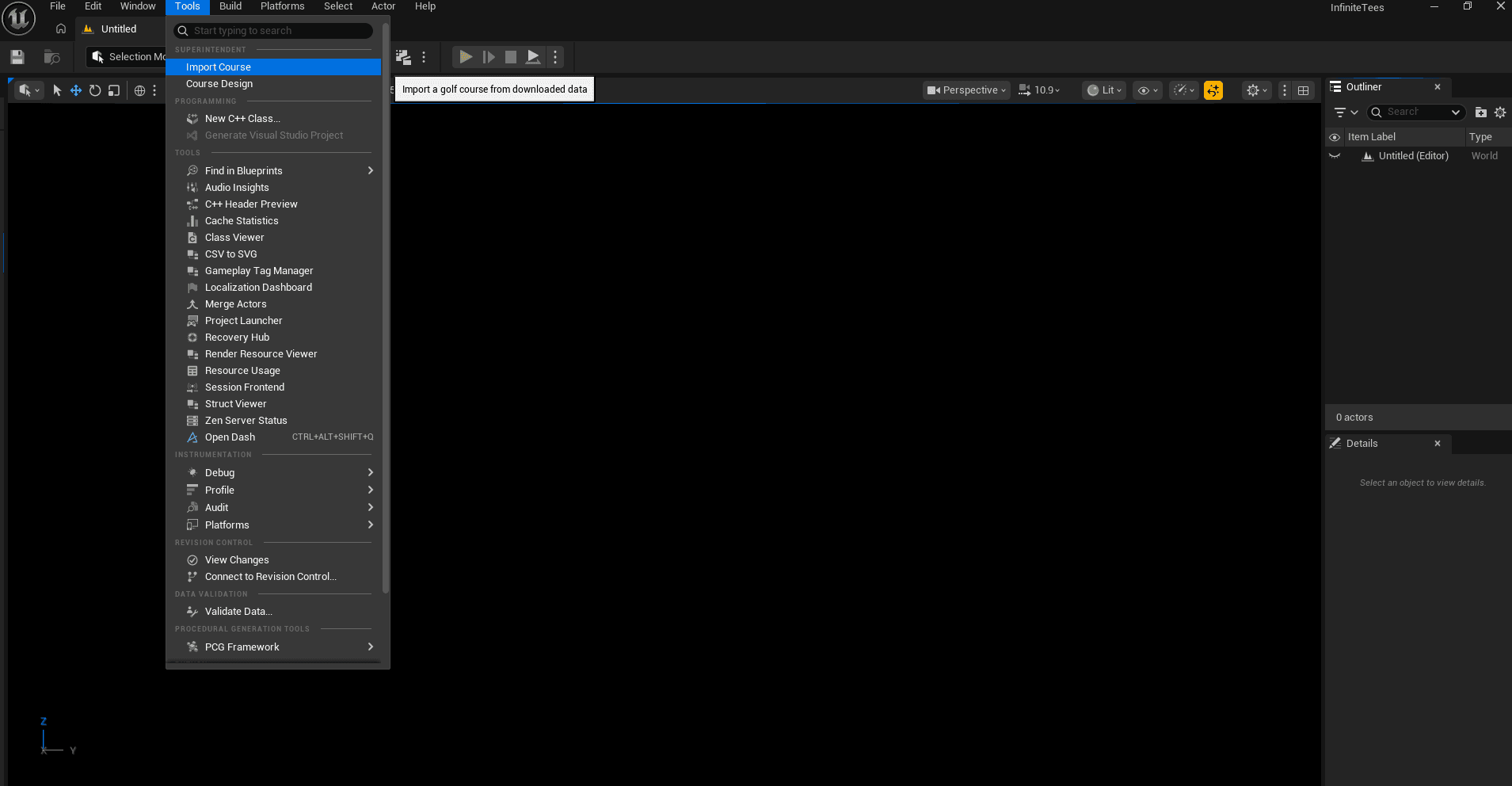
The Infinite Tees Unreal plugin imports your course data, sets up terrain, and places markers automatically. Most of the manual setup is handled for you.
Final Output
Once imported, the system places trees, bunker sand, water materials, and ground textures based on your splines. You can build and play immediately, or continue editing in Unreal Engine to customize further.